Apps
europe.social on every device
Apps for iPhone, iPad, Mac and Android, and the web version for every browser. One account for all of them: sign in with your passkey and pick up where you left off.



Or simply in your browser, without installing anything.
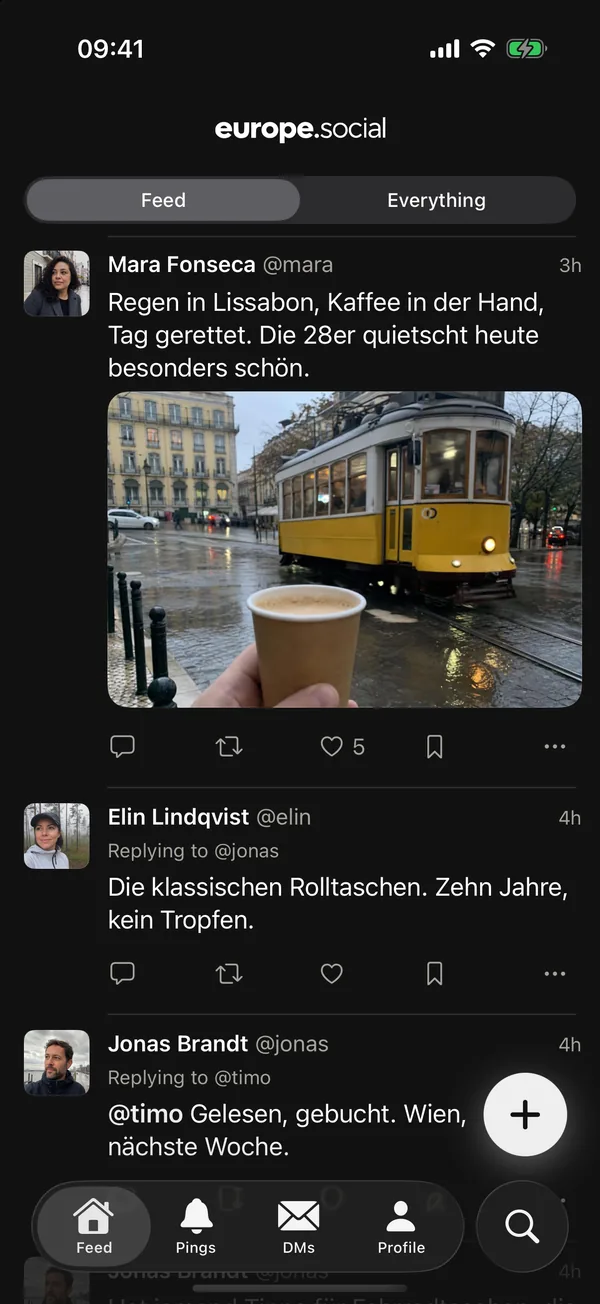
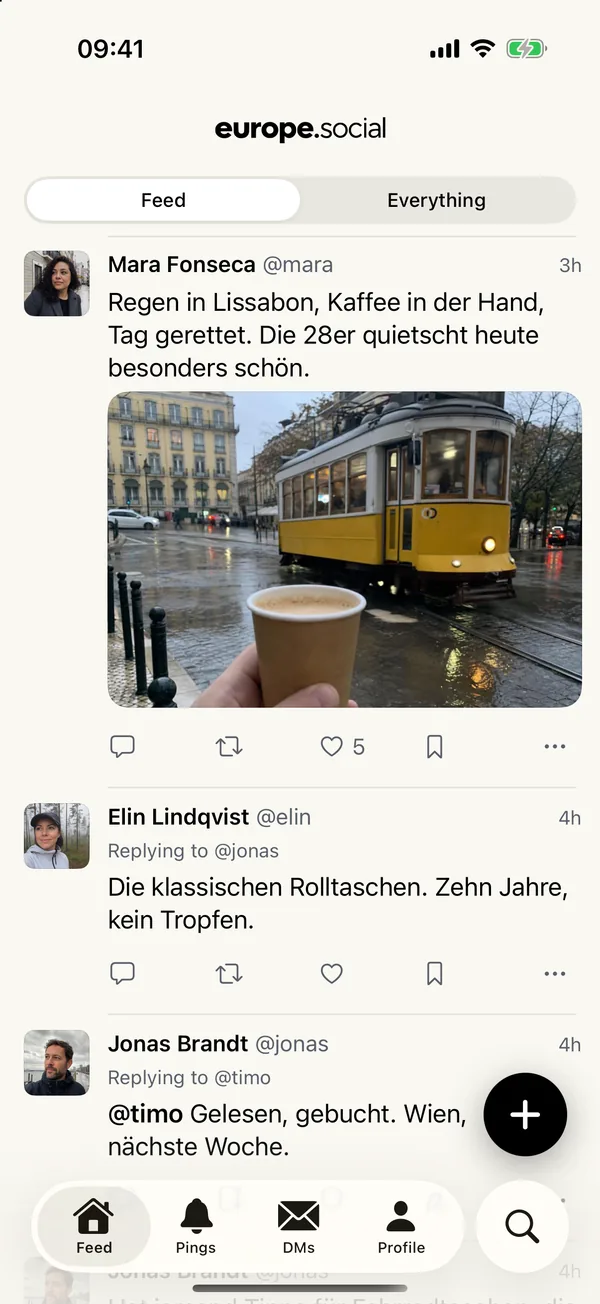
iPhone
Feed, DMs, pings and profile, plus posting with photos and video. From other apps you can share text, links and photos straight into europe.social.
Requires iOS 26 or later.
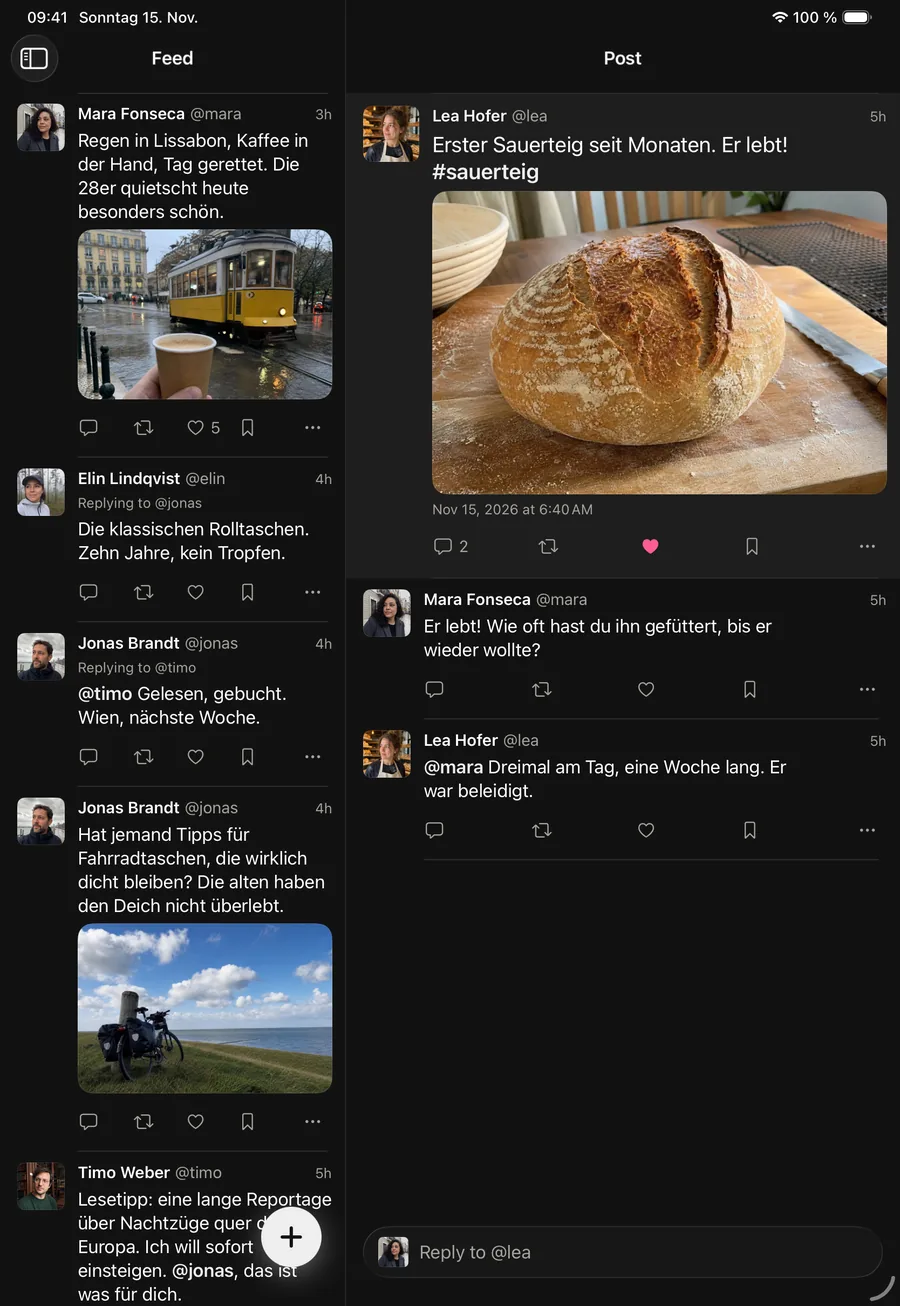
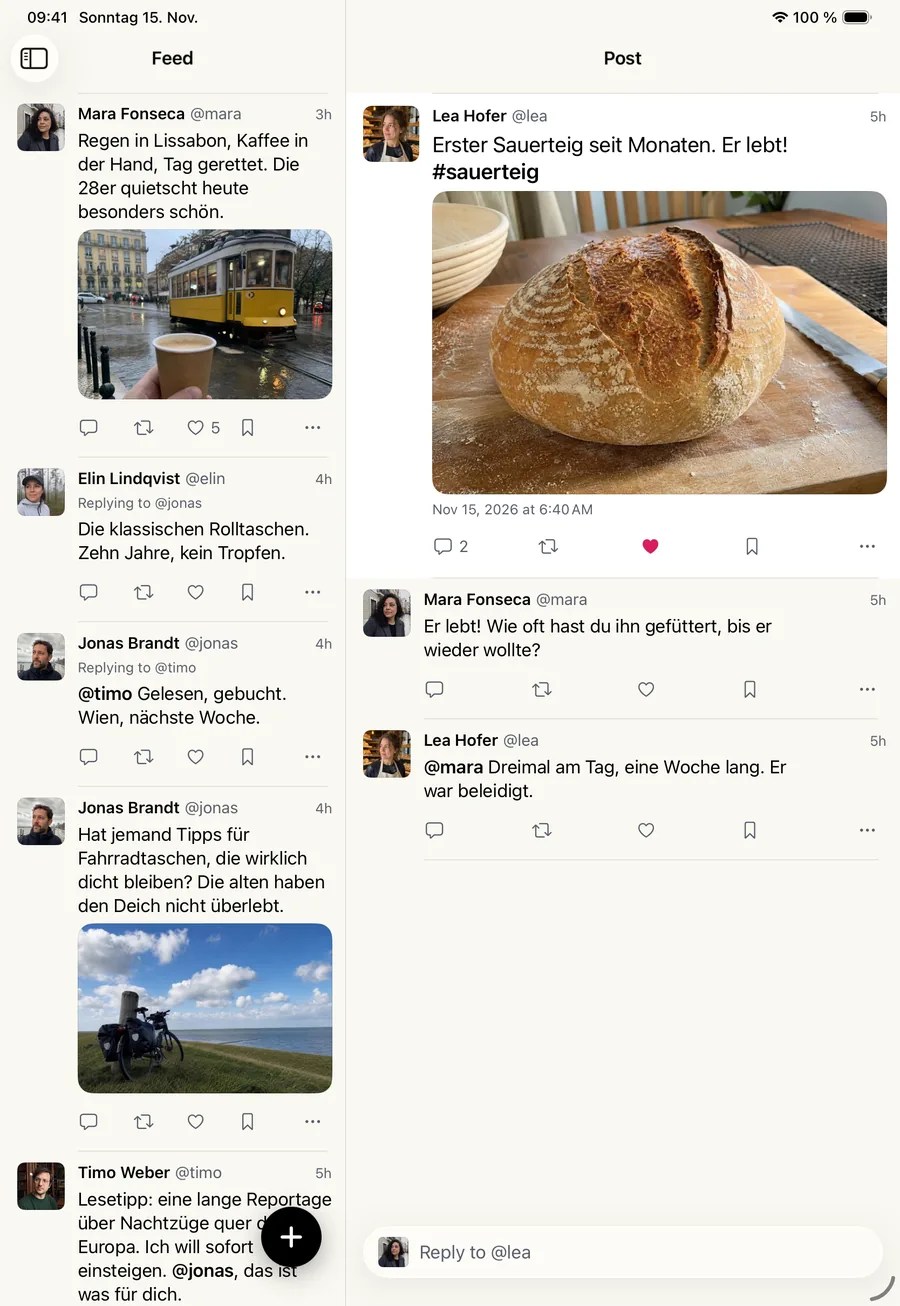
iPad
The same app with a sidebar and several windows side by side. Next and previous post, like and reply work from the keyboard.
Requires iPadOS 26 or later.
Mac
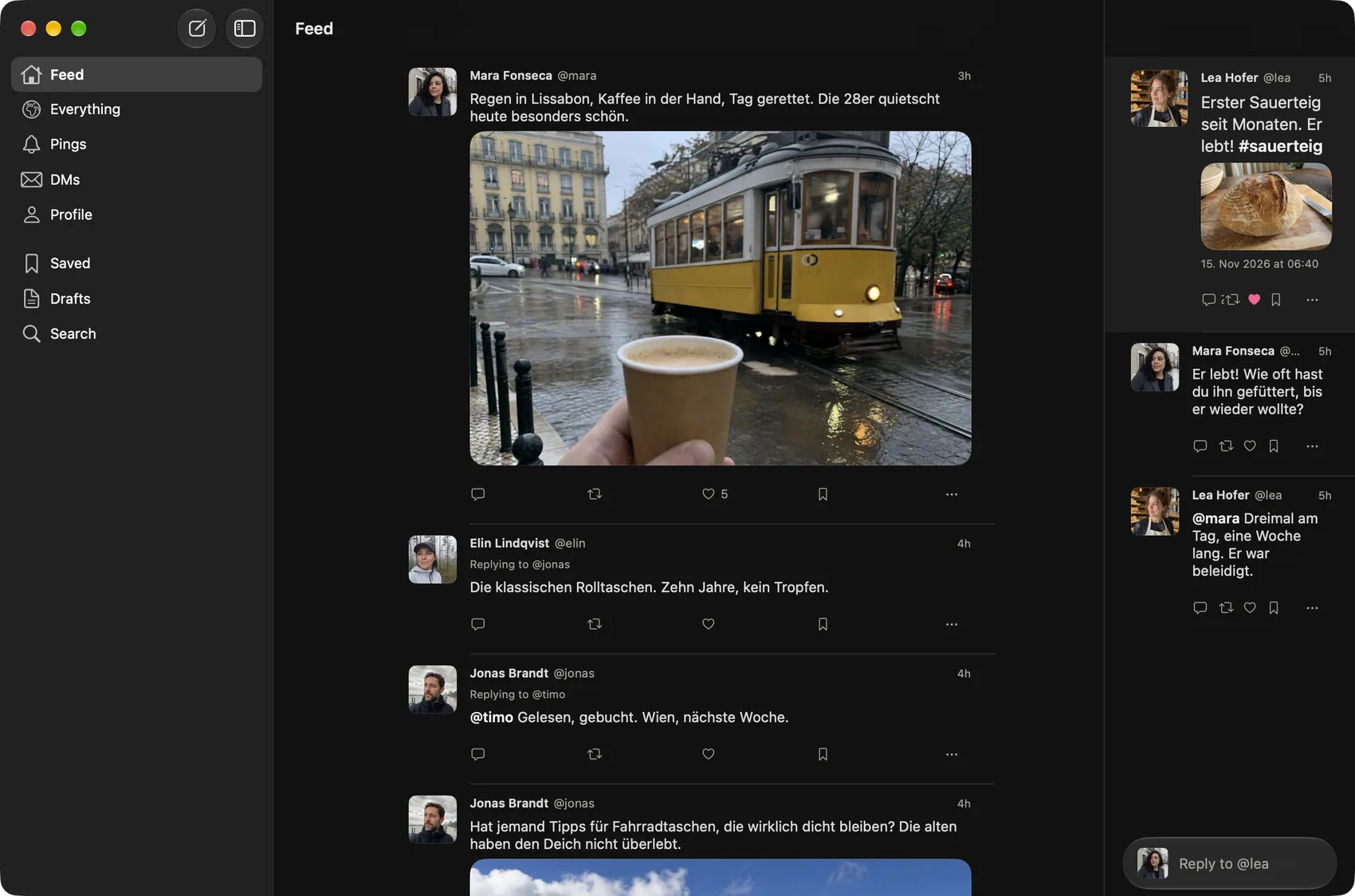
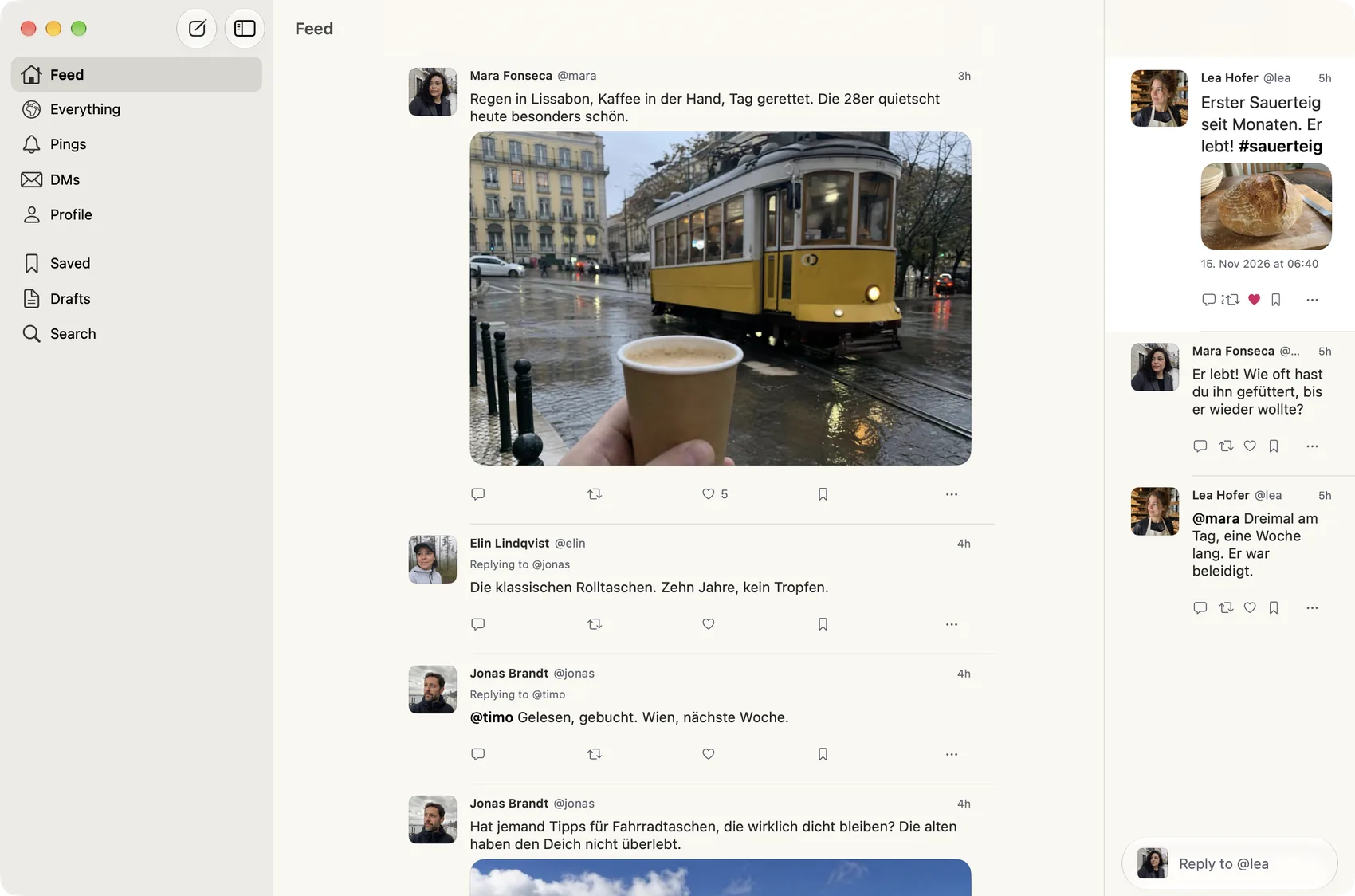
A real Mac app with a sidebar, a list and a reading pane. It puts you back at the post you were reading, shows new pings and DMs in the menu bar and opens posts, profiles and chats in their own windows. There are keyboard shortcuts for reading, replying and getting around.
Requires macOS 26 or later.
Android
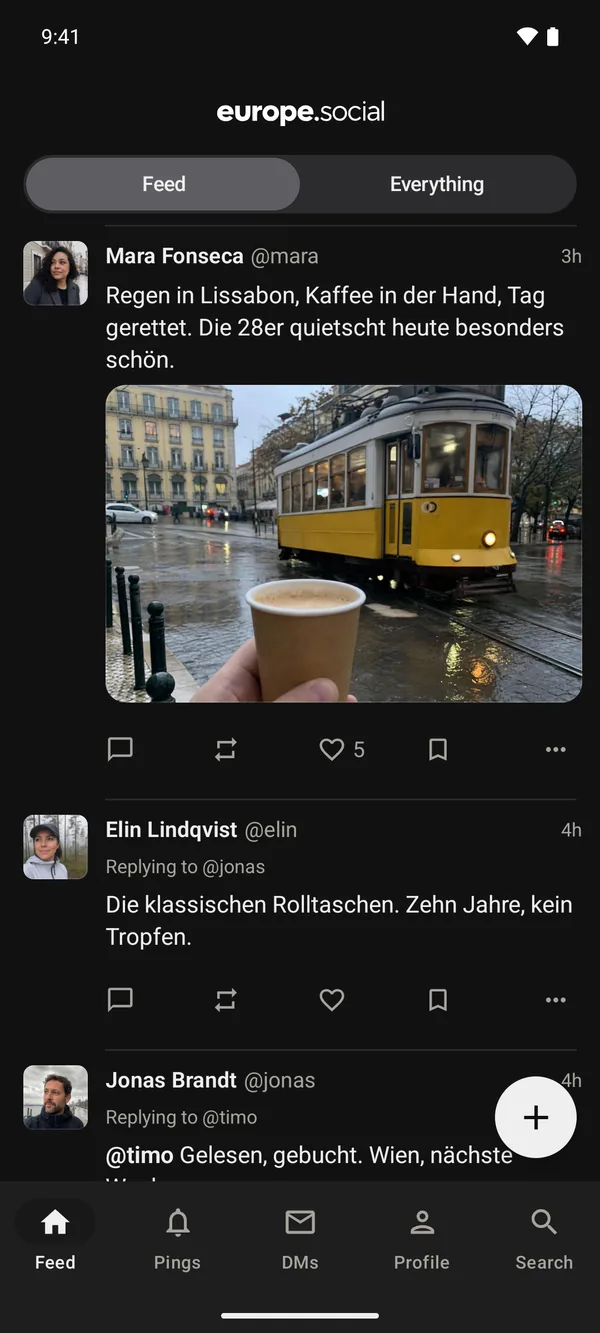
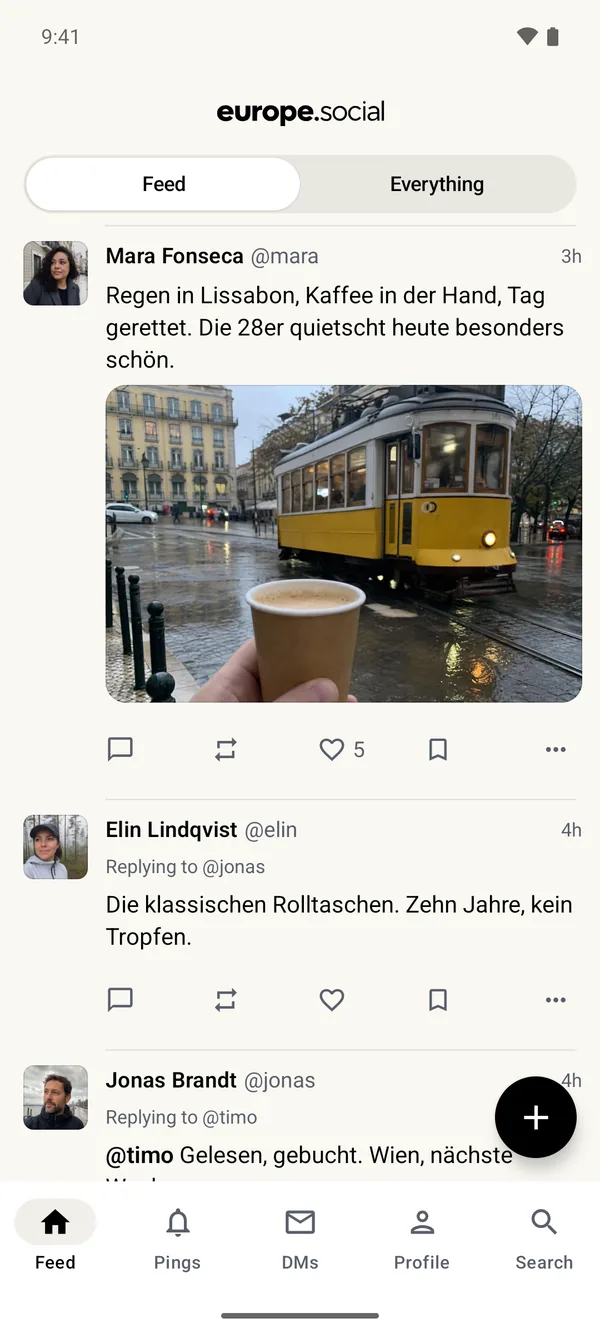
Built for Android with Material 3: feed, DMs, pings and profile, and a share target for text, links and photos. Tablets and foldables get extra windows.
Requires Android 9 or later. Phones, tablets and foldables.
Web
Works in any current browser. Nothing to install, and your account is the same one the apps use.
Any current browser: Safari, Chrome, Firefox or Edge.
Ready in three steps
Get the app
From the App Store, the Mac App Store or Google Play. Downloading is free.
Sign in or join
Already have an account? Sign in with your passkey. New here? Create your account right in the app or on the web.
Add your devices
Under Settings you add a passkey for each further device. Your posts, follows and DMs are the same everywhere.
Questions about the apps
Do the apps cost anything?
No, downloading them is free. You can read public posts without an account. To post, follow people and send DMs you need an account, which you pay for once, on the web or in the app. No subscription.
Do I need a separate account for each device?
No. One account works in every app and in the browser. You pay once, not once per device.
How do I sign in on a new device?
With your passkey. If your passkey syncs, for example through iCloud Keychain or Google Password Manager, it is already there. Otherwise sign in on a device you already use and add a passkey for the new one under Settings.
Why use the Mac app instead of the website?
It opens with what you last saw, even without a connection, and puts you back at the post you were reading. New pings and DMs show in the menu bar and on the Dock icon. You can start a post from any app through the Services menu or the Shortcuts app. And the key to your DMs stays in the keychain of your Mac, so your messages open right away.
Is there an app for Windows or Linux?
Not a separate one. europe.social works in any current browser on Windows and Linux. In Chrome or Edge you can install it from the address bar, and it then opens in its own window like an app.
The accounts, posts and photos on these screens are examples; the photos were generated with AI. The interface is the real app. App Store and Mac App Store are service marks of Apple Inc. Google Play is a trademark of Google LLC.